How to Embed RSVP in Canva Website Invitations
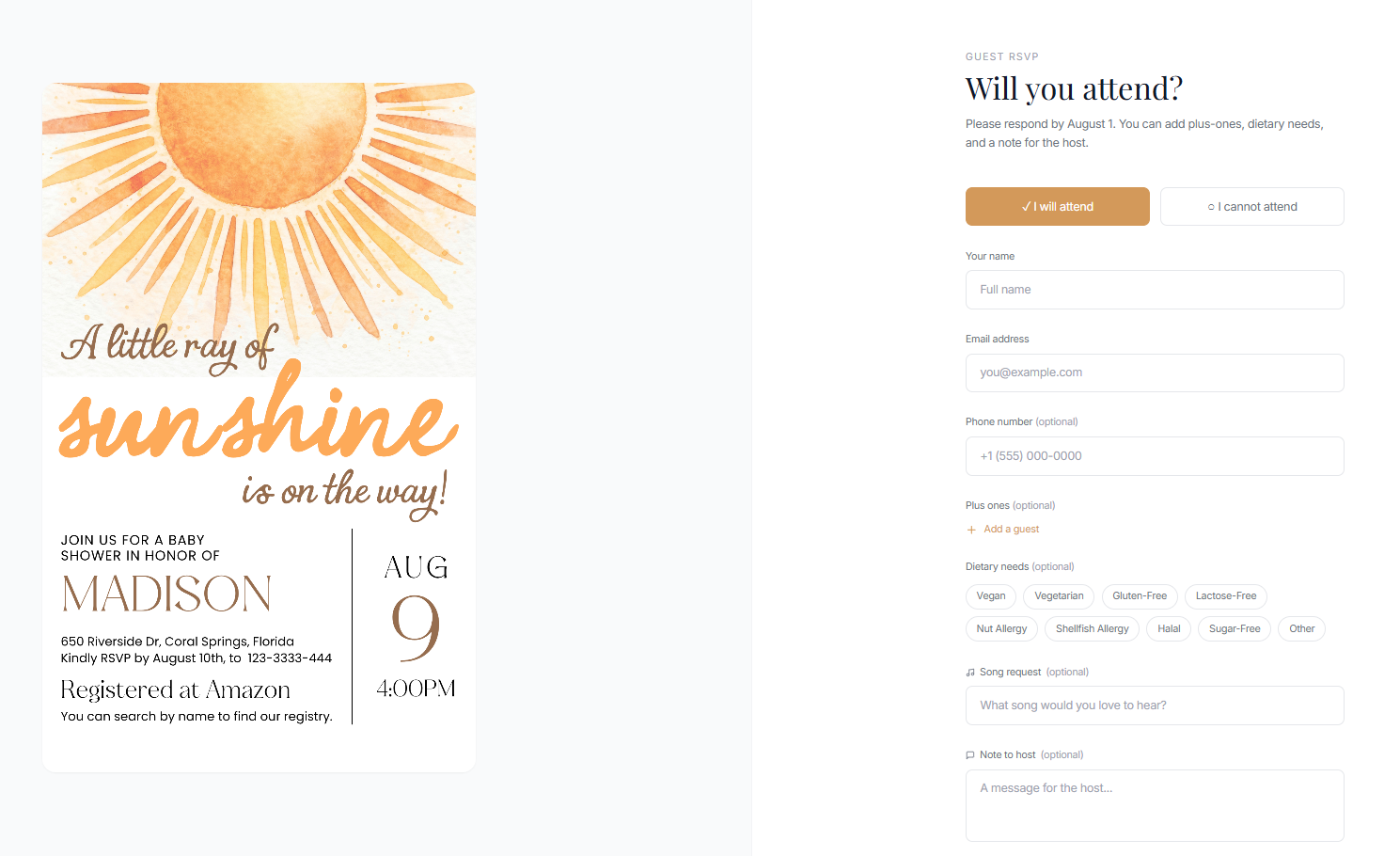
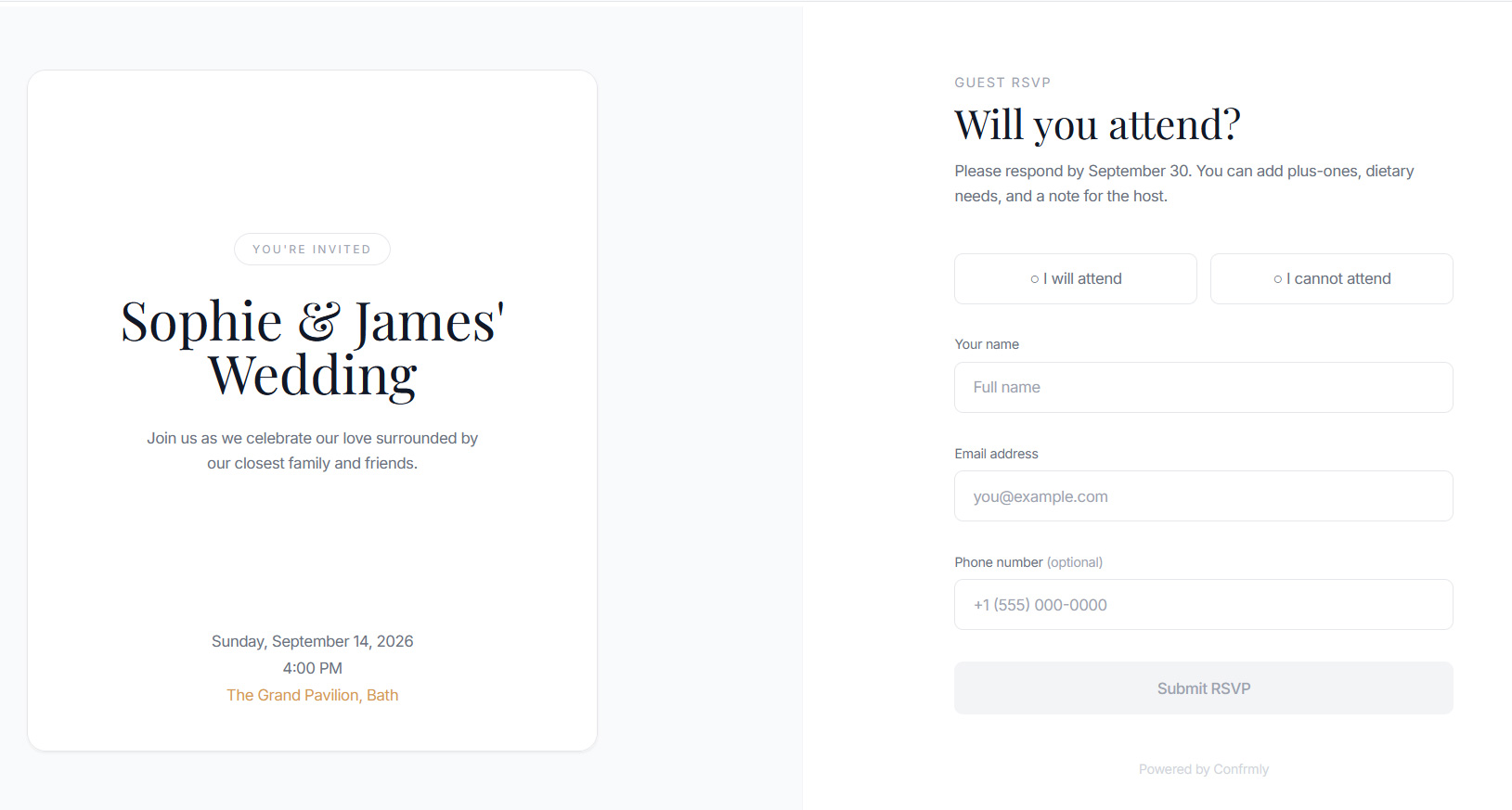
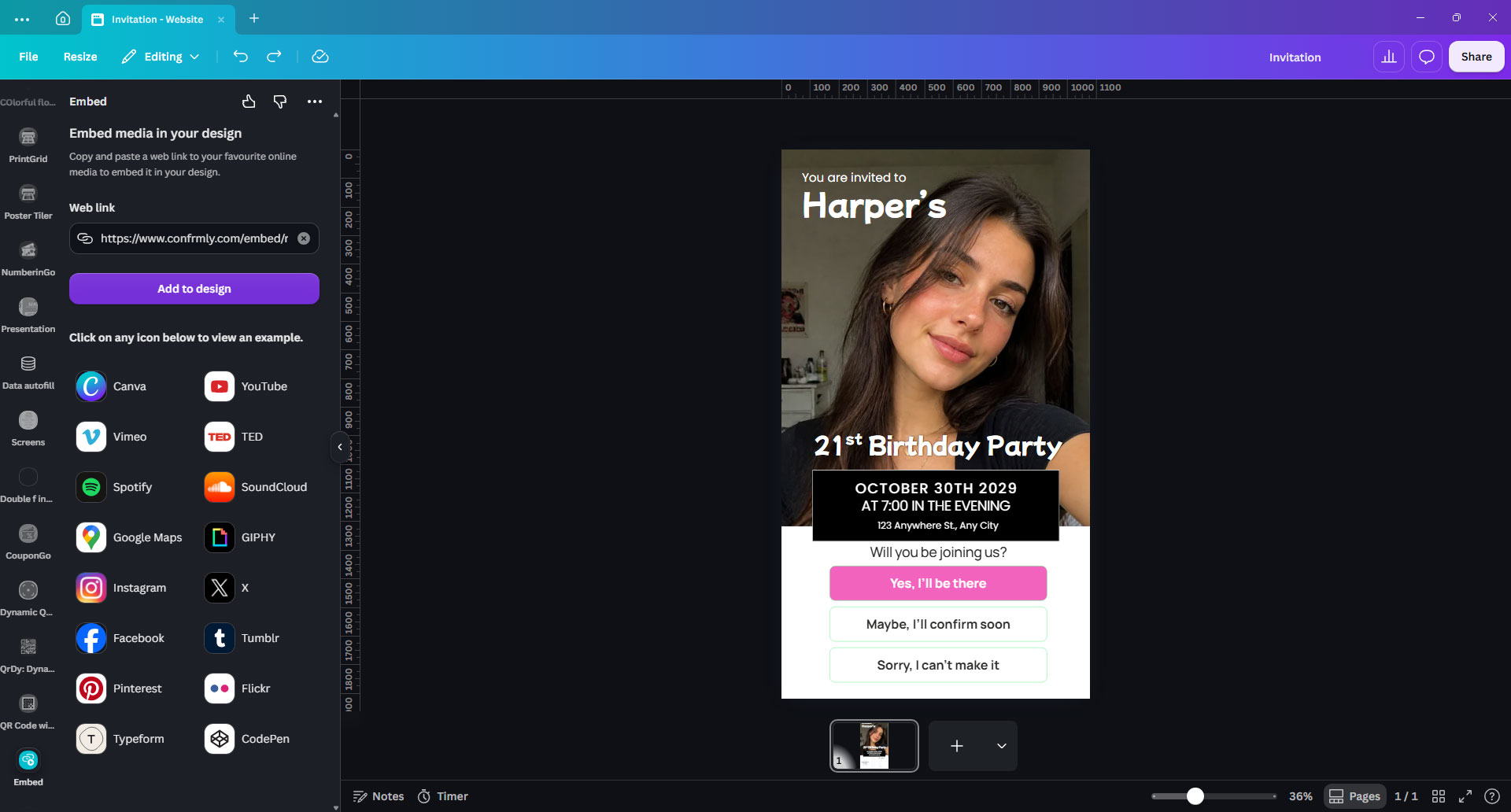
Add a customizable RSVP form to your Canva website invitation in six steps, or use an embed code on another website. Includes a reusable starter for template sellers.
Resources
Practical RSVP guides and invitation ideas for print, digital sharing and Canva websites, all designed to work with your Confrmly event.

Add a customizable RSVP form to your Canva website invitation in six steps, or use an embed code on another website. Includes a reusable starter for template sellers.

Add a clickable Confrmly RSVP button to a Canva wedding website, test the mobile guest journey and track every response in one dashboard.

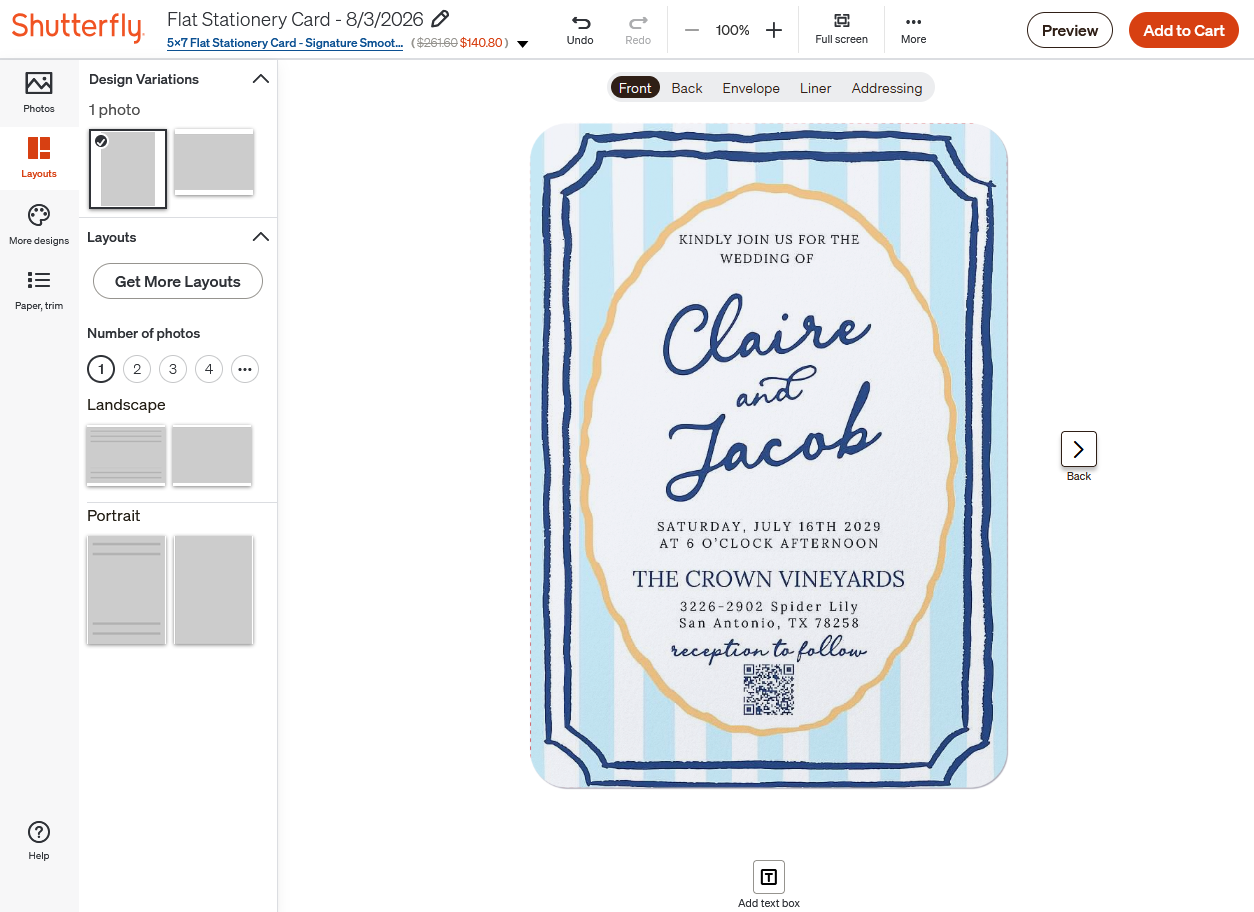
Add a free Confrmly RSVP QR code to a wedding invitation in Canva or another design tool, then upload the finished design to Shutterfly and track replies.

Add a free RSVP QR code to a customizable Zazzle wedding invitation. Learn how to place, test and track guest responses in one dashboard.

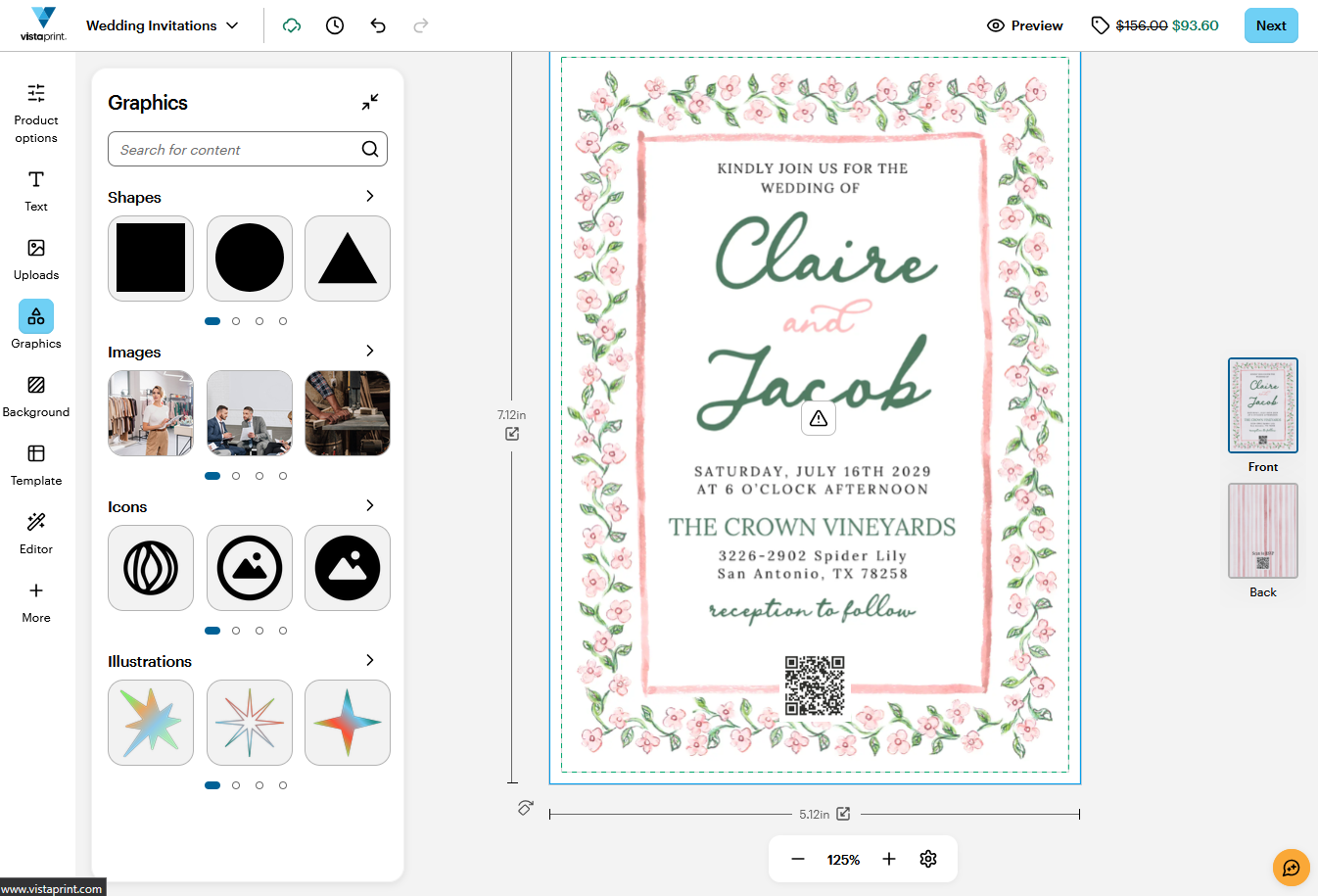
Add a free Confrmly RSVP QR code to a VistaPrint invitation, test the proof and keep every guest response organized in one dashboard.

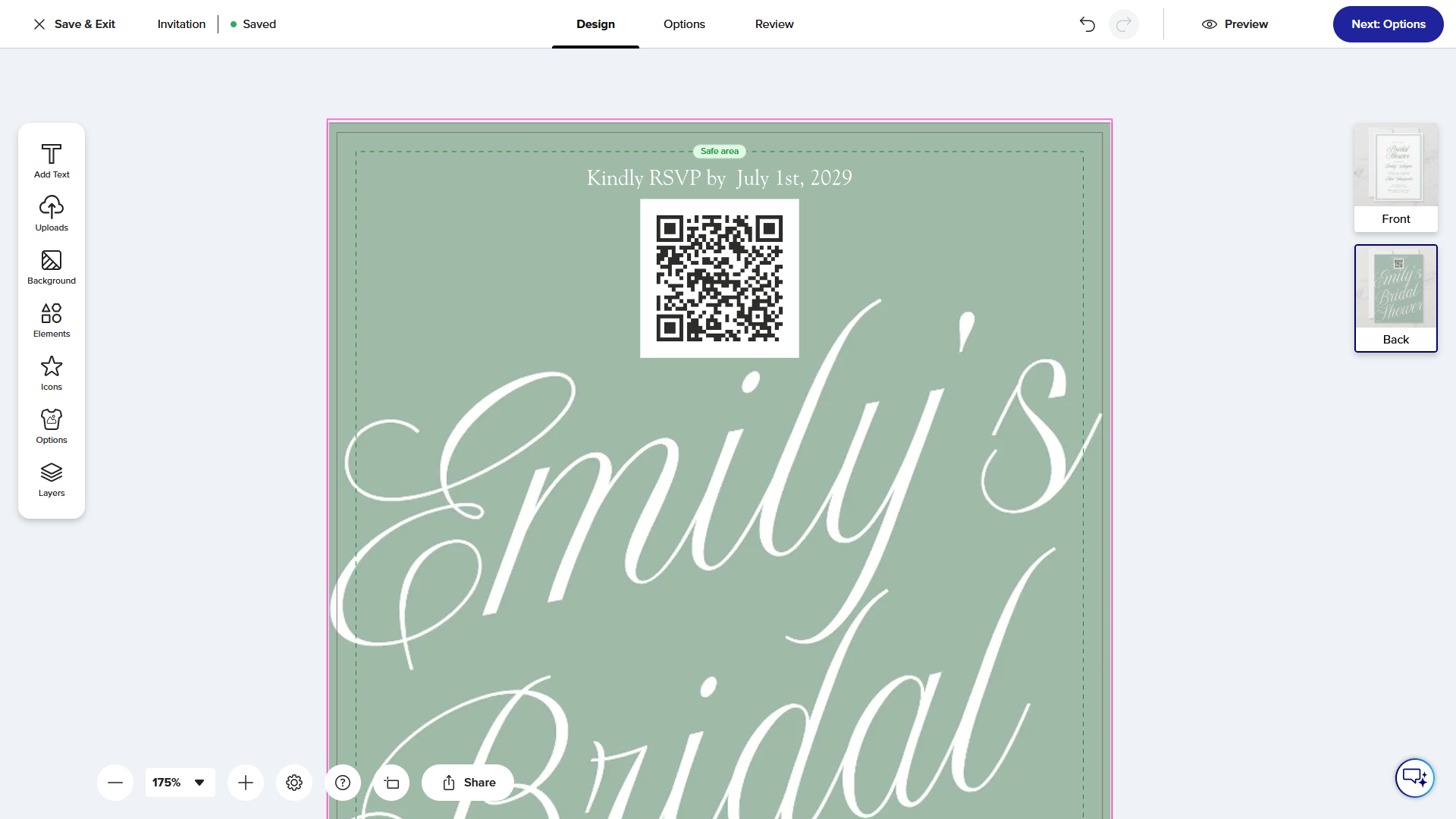
Create an RSVP page, download its QR code, add it to a Canva invitation, and test the printed design before sending it to guests.

The simplest way to track RSVPs is one online response page connected to a live guest list. Learn how to share it with a QR code on printed invitations or a clickable link in digital and Canva website invitations.