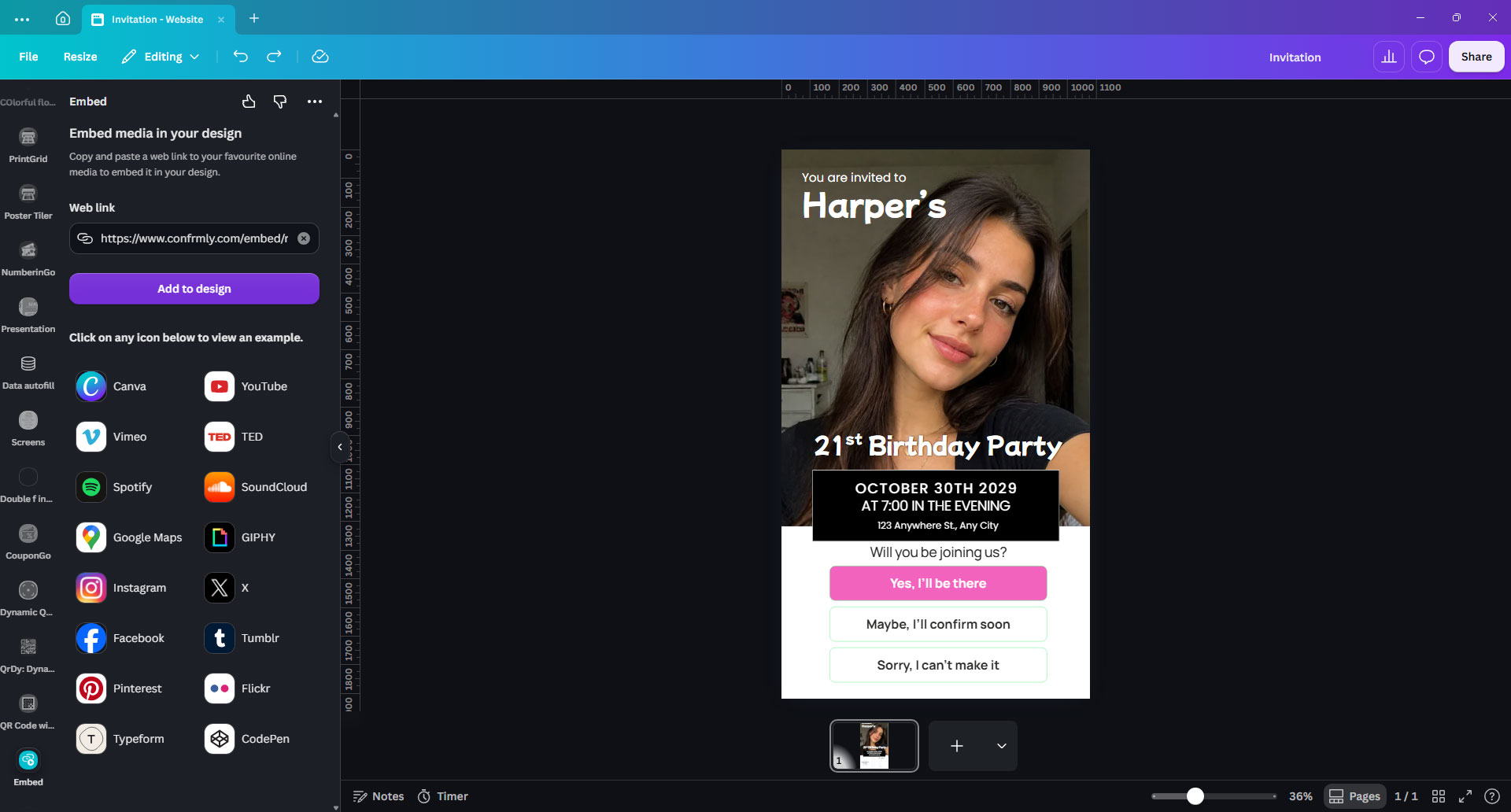
How to Embed RSVP in Canva Website Invitations
Add a customizable RSVP form to your Canva website invitation in six steps, or use an embed code on another website. Includes a reusable starter for template sellers.
Resources
Practical RSVP guides and invitation ideas for print, digital sharing and Canva websites, all designed to work with your Confrmly event.

Add a customizable RSVP form to your Canva website invitation in six steps, or use an embed code on another website. Includes a reusable starter for template sellers.

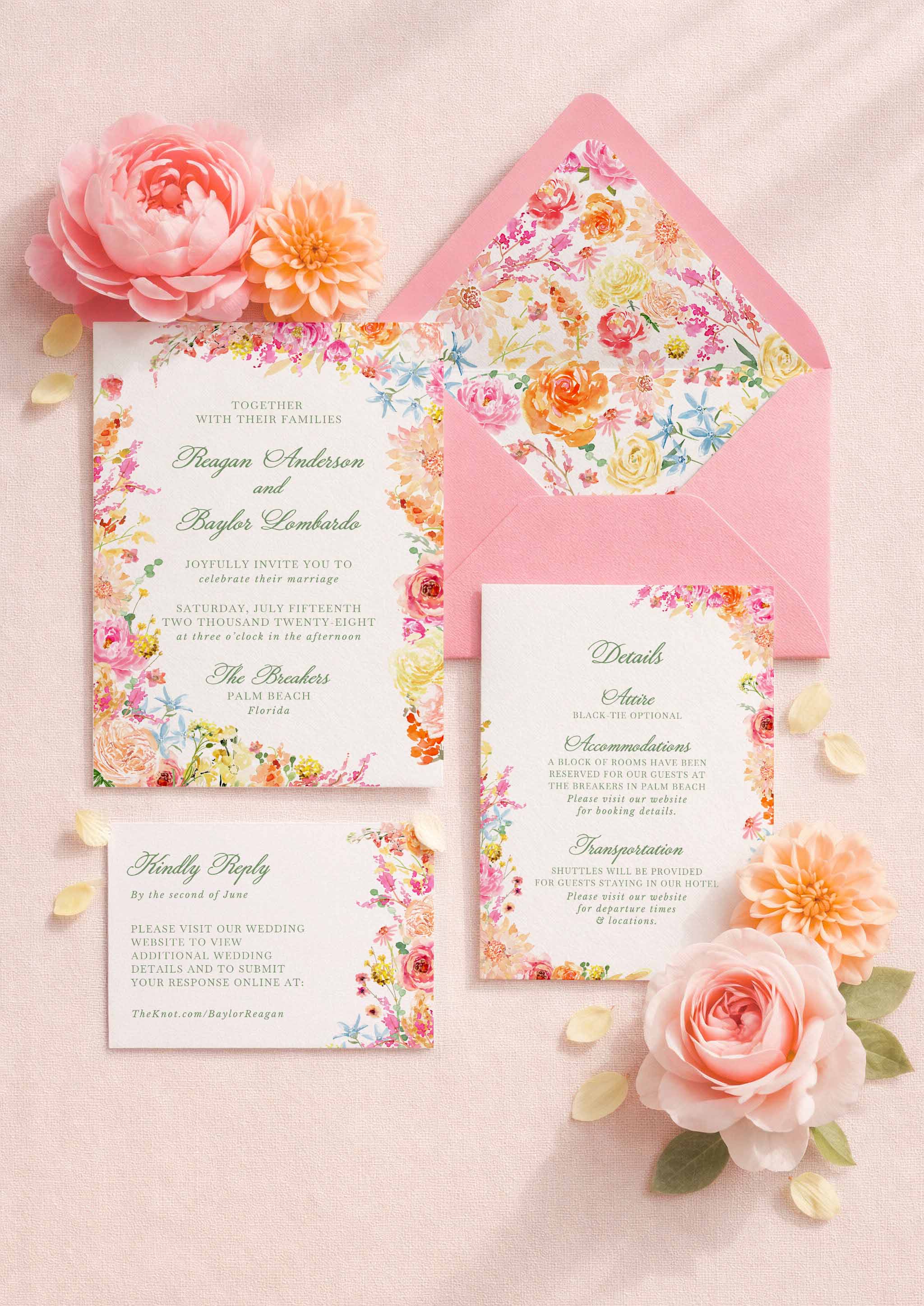
Discover Illustrated Weddings’ editable Dusty Blue Damask invitation suite and a simple way for couples to add a free RSVP link or QR code with Confrmly.

Fix an RSVP QR code that will not scan. Check the destination, image, spacing and printed proof before ordering your wedding invitations.

Add a clickable Confrmly RSVP button to a Canva wedding website, test the mobile guest journey and track every response in one dashboard.

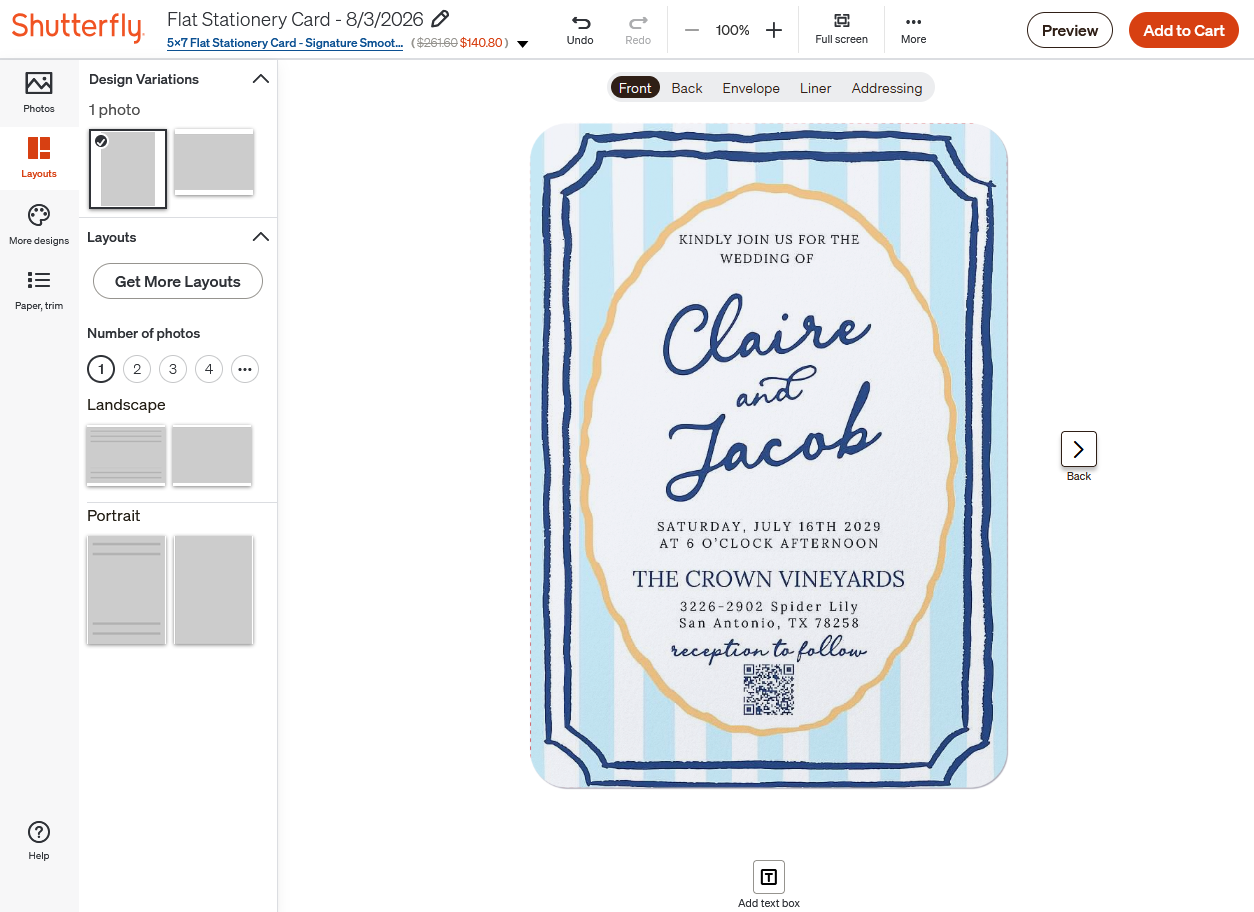
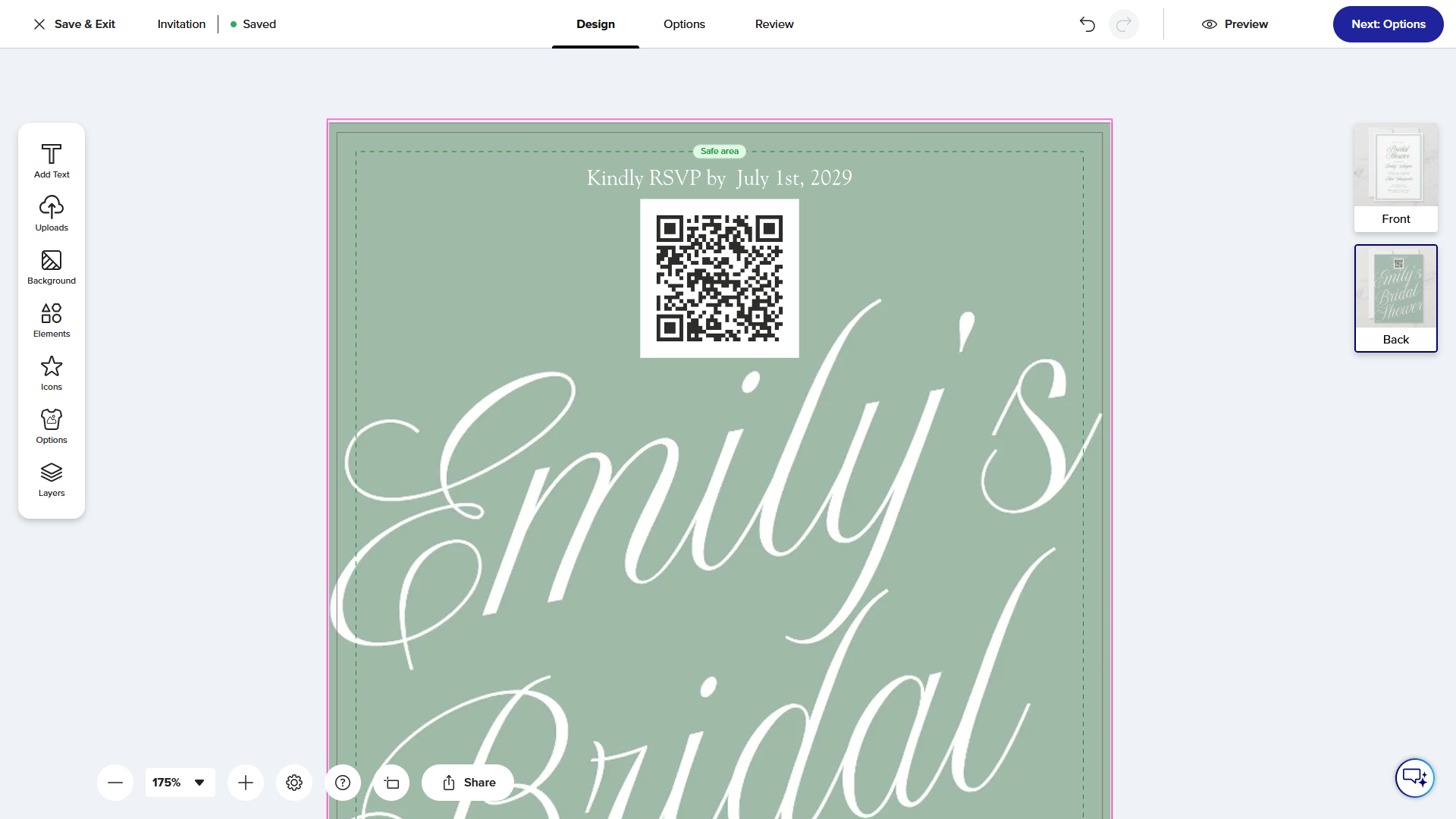
Add a free Confrmly RSVP QR code to a wedding invitation in Canva or another design tool, then upload the finished design to Shutterfly and track replies.

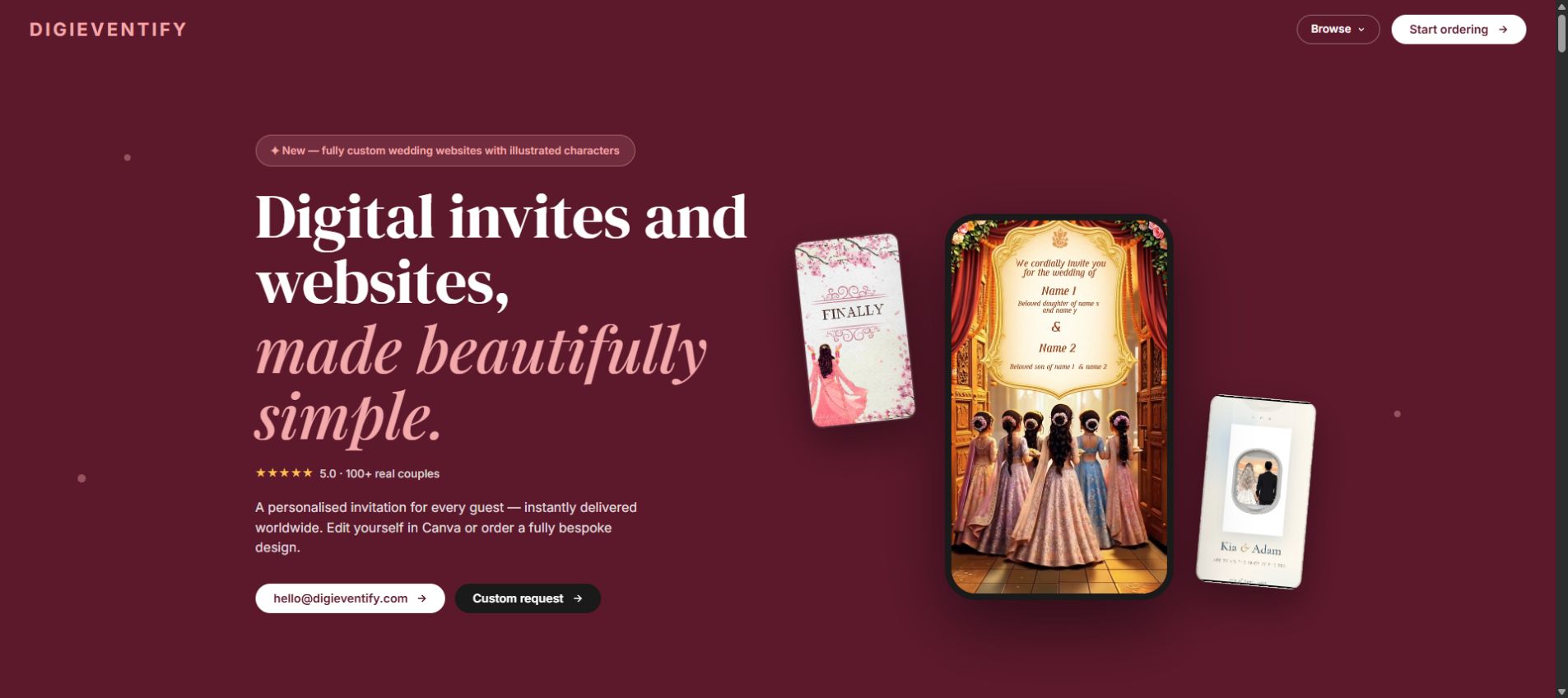
Discover Digieventify's mobile-first digital invitations, custom event websites, animated designs, and a simple way to add free RSVP tracking with Confrmly.

Explore studioACK's hand-painted Colorbloom wedding stationery and learn how couples can pair printed or Canva invitations with a free Confrmly RSVP link and QR code.

Add a free RSVP QR code to a customizable Zazzle wedding invitation. Learn how to place, test and track guest responses in one dashboard.

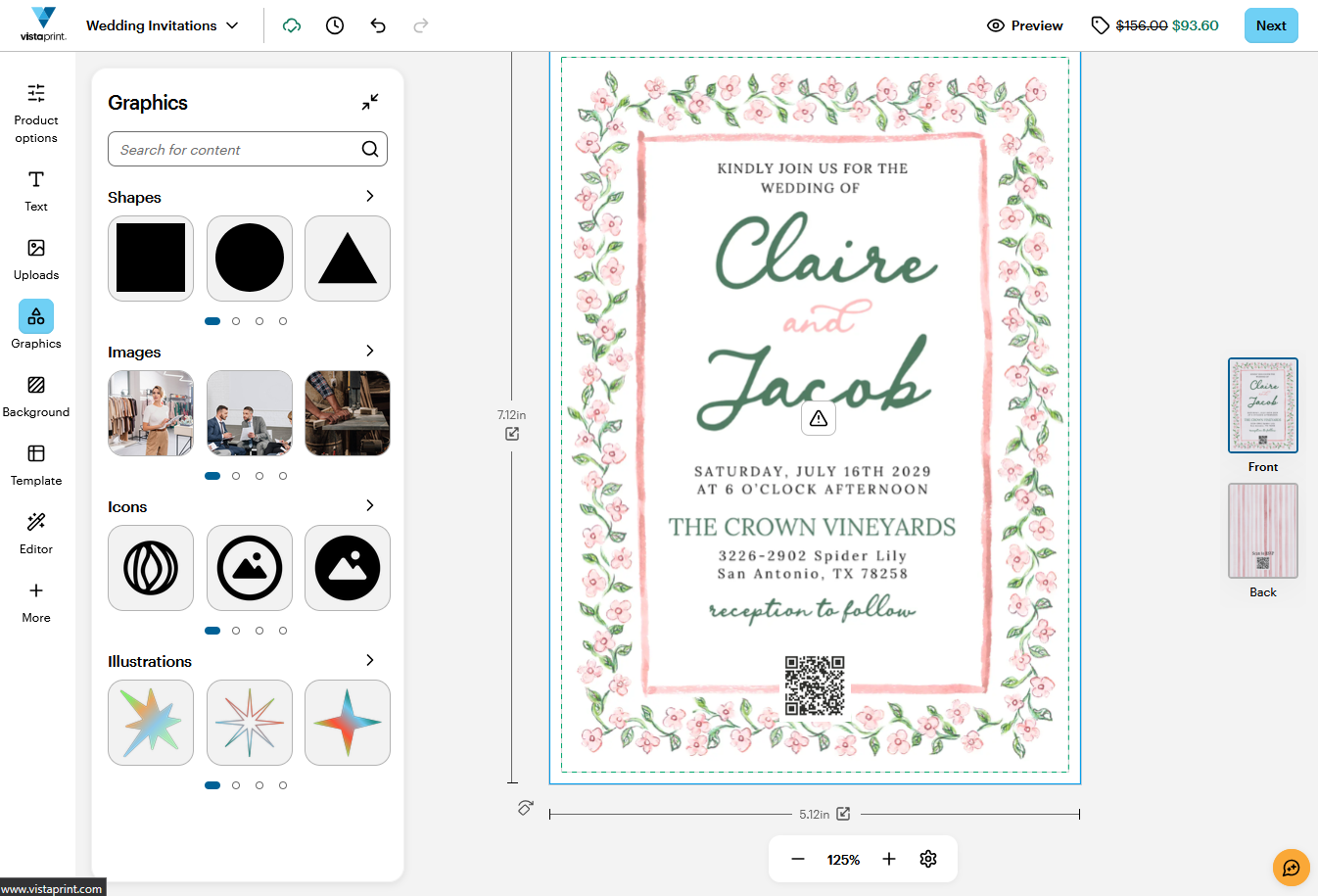
Add a free Confrmly RSVP QR code to a VistaPrint invitation, test the proof and keep every guest response organized in one dashboard.

Discover custom wedding stationery by Baltimore designer Rachel Zemel, plus a simple way to add QR code and online RSVP tracking.

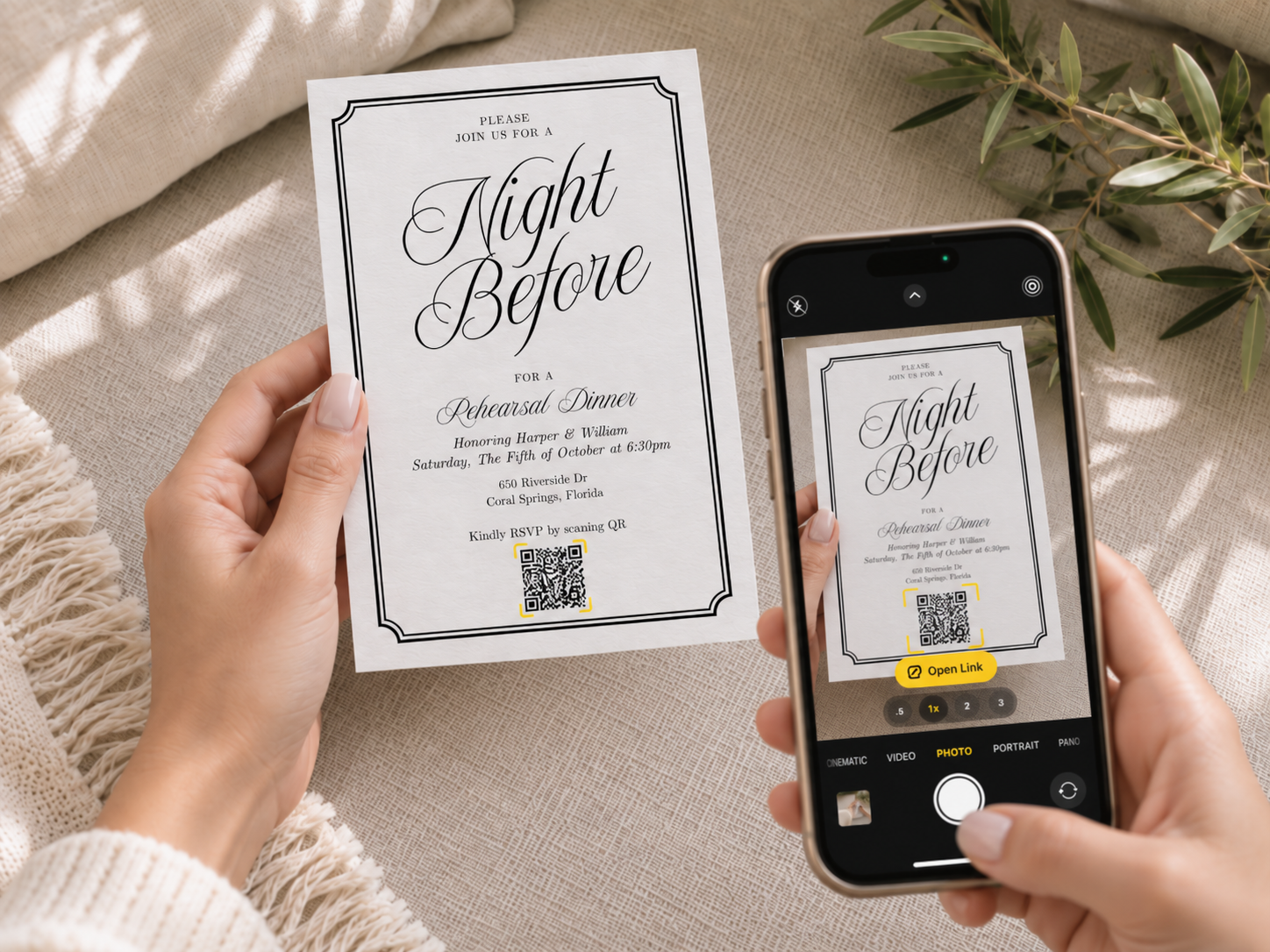
Create an RSVP page, download its QR code, add it to a Canva invitation, and test the printed design before sending it to guests.

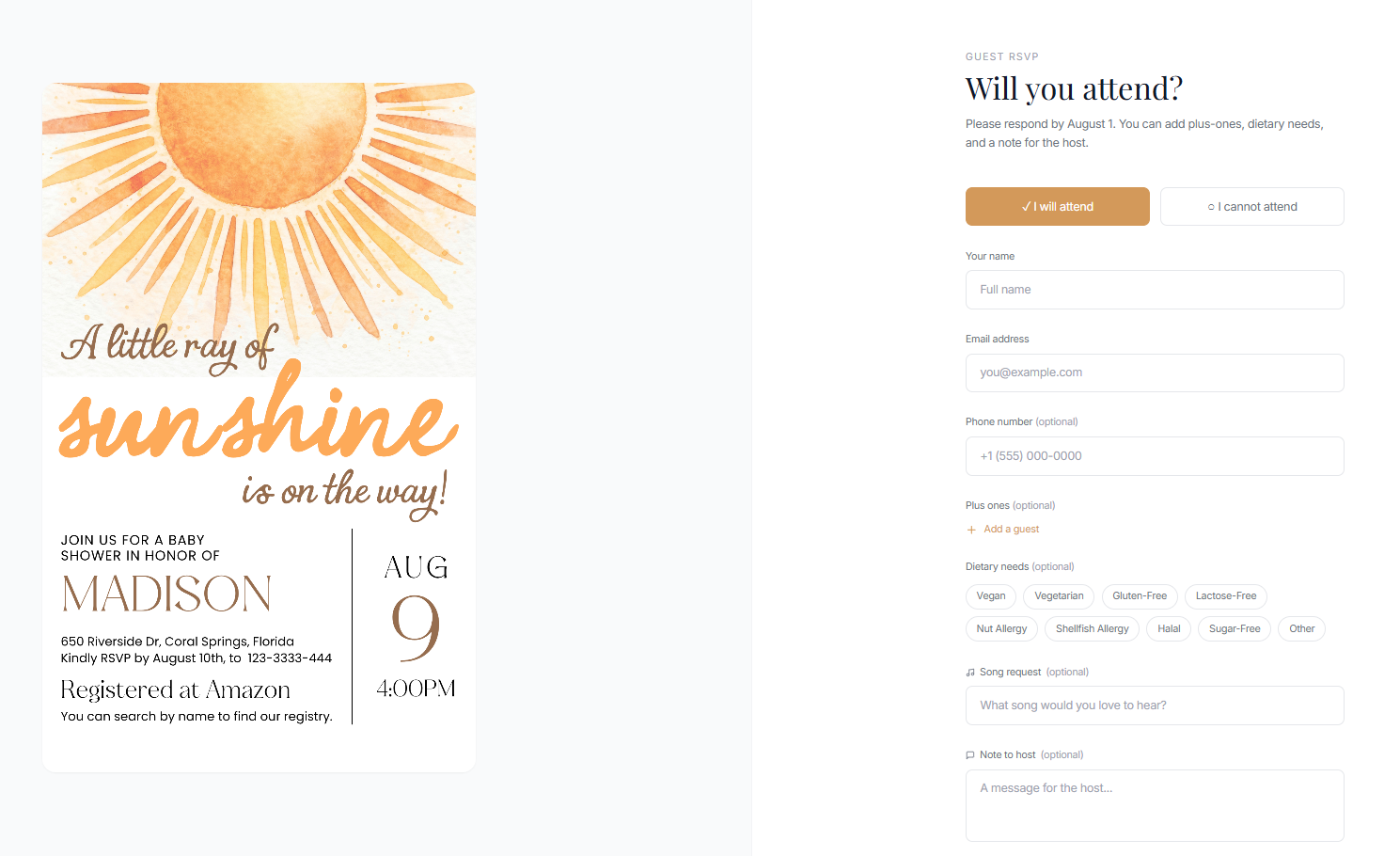
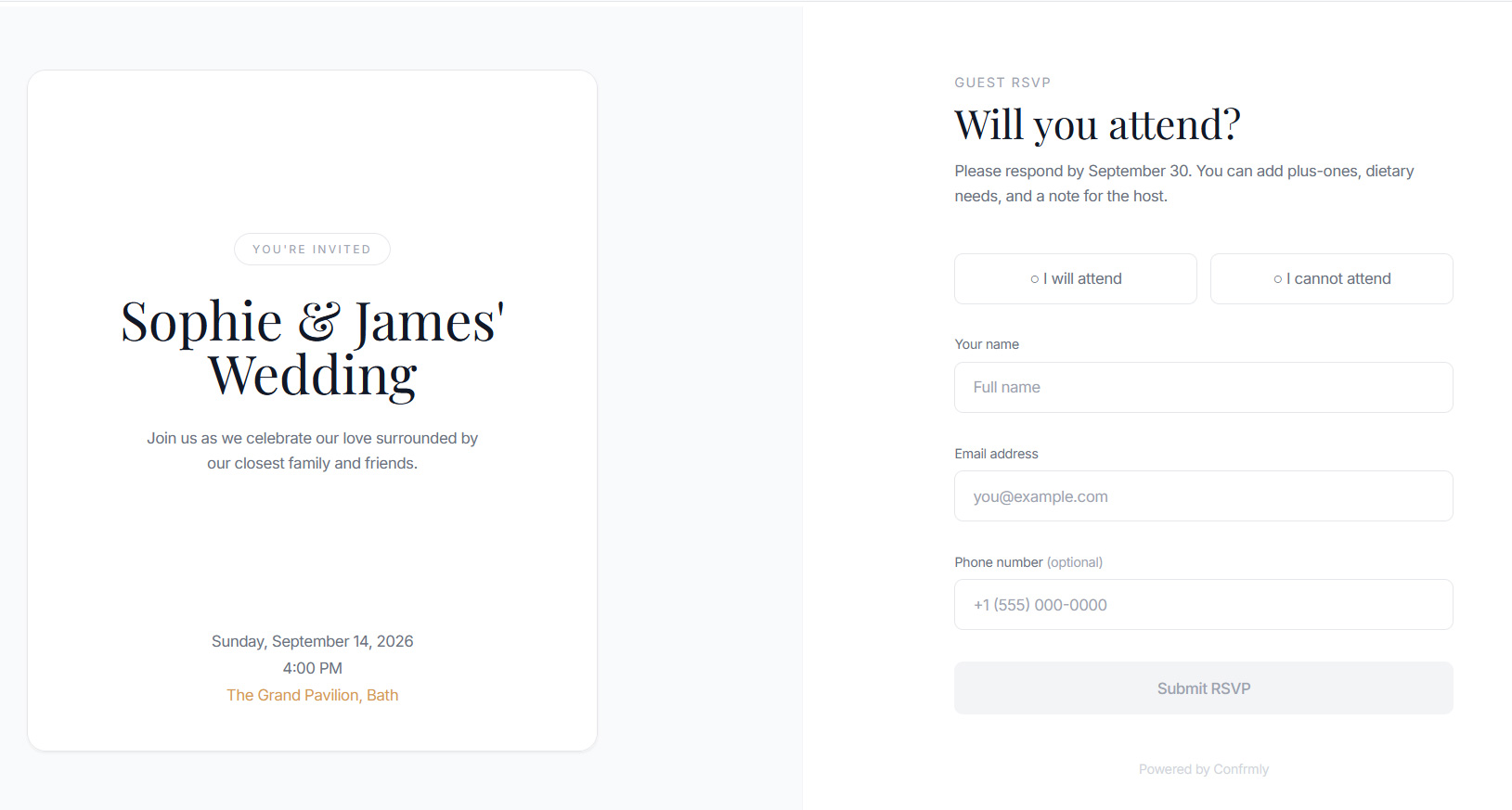
The simplest way to track RSVPs is one online response page connected to a live guest list. Learn how to share it with a QR code on printed invitations or a clickable link in digital and Canva website invitations.